News
Merger Update: Serving More Families Around the Bay
At the beginning of this year, Mission Hospice merged with By the Bay Health and Hope Hospice to become the…

At the beginning of this year, Mission Hospice merged with By the Bay Health and Hope Hospice to become the…
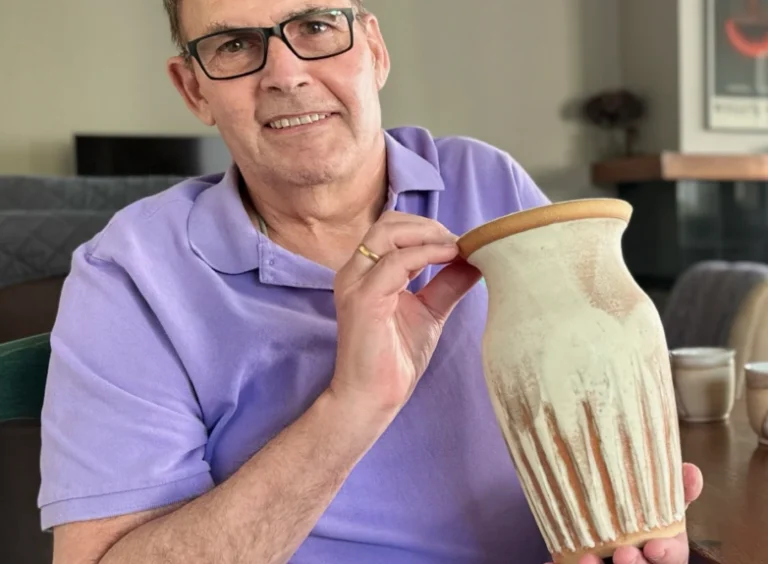
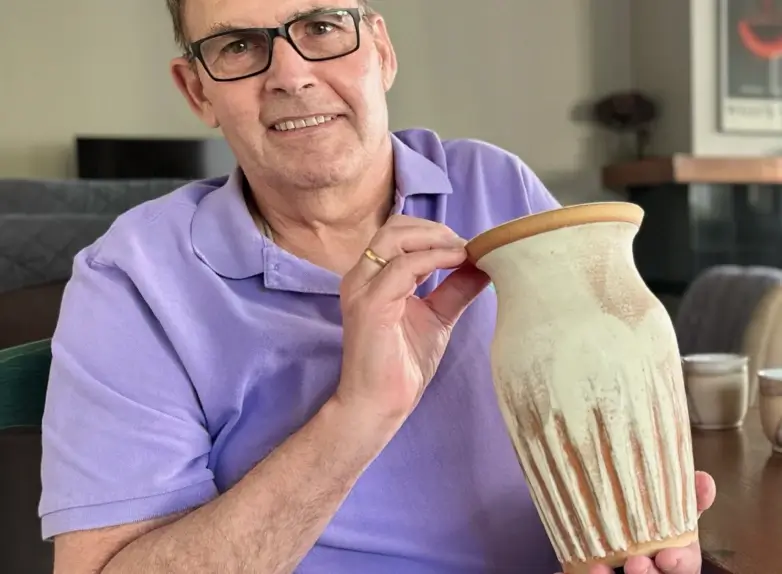
Gary Roth is an artist with both food and clay. For many years, he was a presence as the Executive…
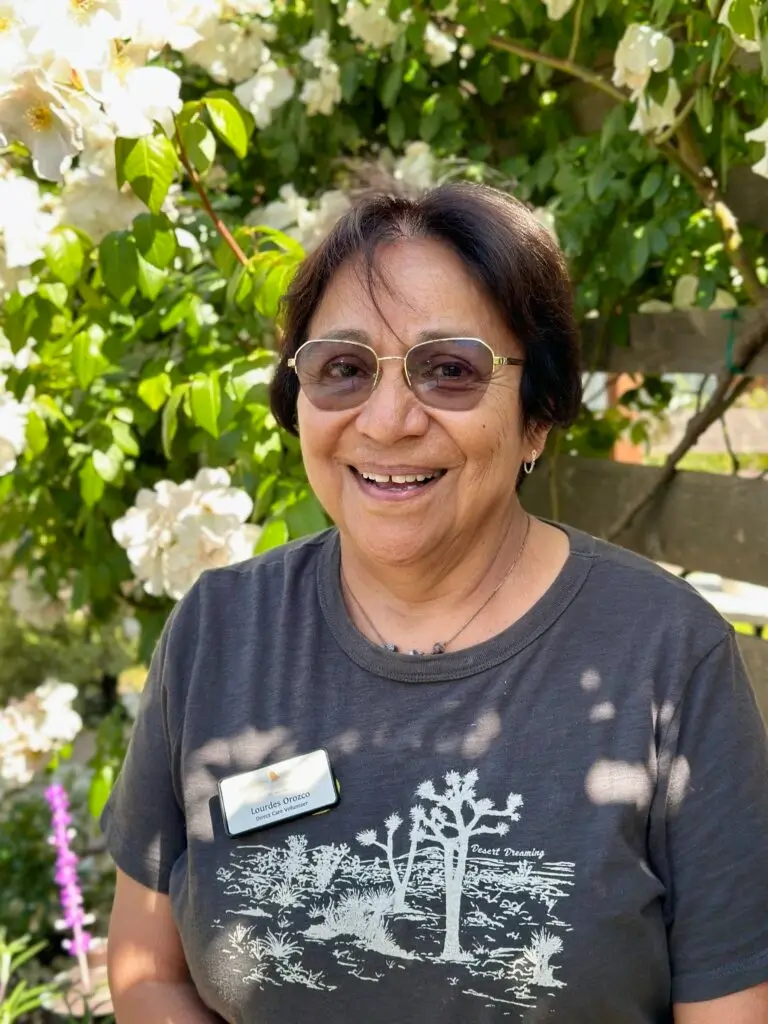
Lourdes Orozco has touched more patients than just about any volunteer at Mission Hospice – literally. A massage therapist, she…
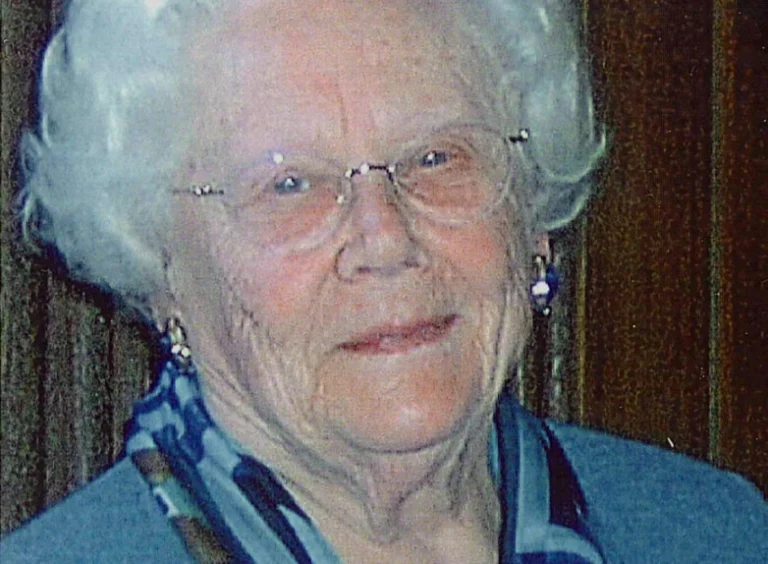
Gracious, compassionate, and tenacious, Helen Lagen was an expert at bringing people together. Throughout her life, she wove a tapestry…
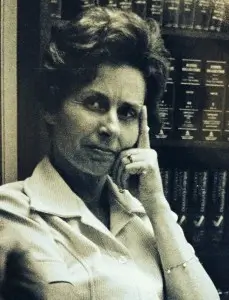
Initially given a prognosis of just a month or two, in April 1978, she was granted a more optimistic outcome…

With a broad smile, Bay Area native Sally Berman jokes that she’s always been “the first one to raise her…